

Download Moo0 ImageViewer SP – image viewer, image editor, screenshot tool, filter application, Windows
Overview
Moo0 ImageViewer SP is a lightweight utility designed for users seeking a streamlined approach to viewing, editing, and capturing images directly on their Windows devices. The application serves as a multifunctional tool that combines image viewing, basic editing, and screenshot functionality into a single compact program. Its primary purpose is to reduce the need for multiple standalone applications, offering a unified solution for common image-related tasks. This makes it particularly useful for users who value simplicity, efficiency, and minimal system resource usage.
Target users include casual photographers, students, office workers, and anyone who frequently interacts with images but does not require advanced editing features. The app is especially beneficial in environments where system performance is a concern, such as older or low-spec machines. Real-world use cases include quickly reviewing photos, applying simple filters to enhance visuals, capturing screenshots for documentation, or preparing images for sharing without launching heavy software.
Developed by Moo0, the application has been available since October 19, 2010, reflecting a long-standing presence in the utility space. While specific details about the developer’s background are not provided, the app’s longevity suggests a focus on reliability and user-centric design. In the broader app ecosystem, Moo0 ImageViewer SP occupies a niche as a no-frills, efficient tool that prioritizes functionality over complexity.
Key Features & Functionality
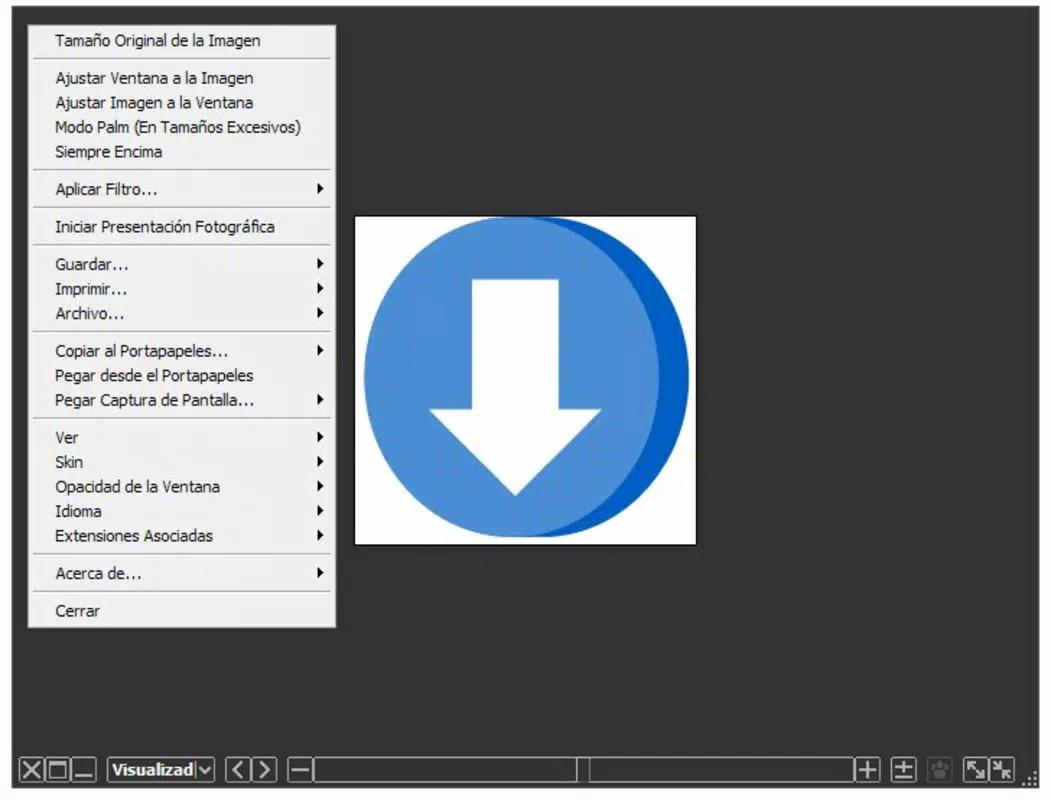
- Instant Filter Application: Users can apply filters such as greyscale conversion, sharpening, and image tidying with a single right-click. This enables quick visual enhancements without the need to open a separate editor.
- Effortless Screenshot Capture: The tool allows capturing the entire screen or a single window with minimal steps. A right-click menu provides immediate access to capture options, making it ideal for documentation and content sharing.
- Integrated Image Viewer and Editor: Beyond viewing images, Moo0 ImageViewer SP supports basic manipulation, reducing the need for additional software and streamlining workflows.
- Compact and Fast Loading: With a file size of just 1.5 MB, the application loads quickly and operates smoothly, even on older hardware.
For example, a student can use the app to capture a classroom presentation screen, apply a greyscale filter for a clean look, and save the image—all within seconds. Similarly, a remote worker might use it to take a screenshot of a bug report, enhance clarity with sharpening, and send it directly to a team. These real-world applications highlight the app’s practical value in daily digital tasks.
Interface, UX & Performance
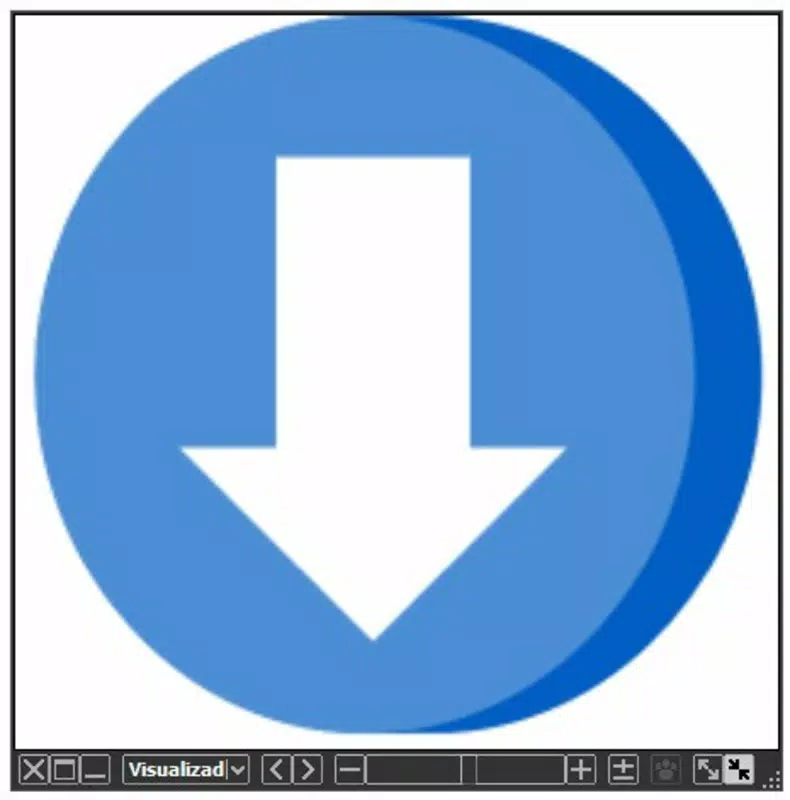
The user interface of Moo0 ImageViewer SP is designed with minimalism and accessibility in mind. It features a clean layout that prioritizes core functions—image viewing, filter application, and screenshot capture—without clutter. Navigation is intuitive, relying on right-click context menus to access key tools, which reduces the learning curve for new users.
Visual style remains functional rather than decorative, aligning with its utility-focused purpose. The application responds promptly to user input, and interaction flows logically from viewing to editing to capturing. Although the developer did not list formal performance metrics, the app’s small size and efficient design suggest stable operation across various Windows environments.
Performance is expected to be consistent on both modern and legacy Windows systems, thanks to its lightweight architecture. Responsiveness is maintained even when handling multiple image files or frequent captures. Stability appears robust, with no indication of crashes or memory leaks in its long history. However, specific compatibility details with newer Windows versions were not disclosed.
Platform Compatibility & Technical Requirements
Moo0 ImageViewer SP is designed for the Windows platform and is available as a standalone executable. The current version is 1.02, with a file size of 1.5 MB, making it highly portable and easy to install. The application runs without requiring additional dependencies or installation steps, which enhances its usability across different systems.
Specific operating system requirements were not listed by the developer. However, given its release date in 2010 and small footprint, it is likely compatible with older Windows versions such as Windows XP, Vista, and 7. Compatibility with newer systems like Windows 10 or 11 is plausible but not confirmed. Users should exercise caution when running older software on updated systems and ensure security protocols are in place.
Pros and Cons
Pros
- Lightweight and fast, ideal for low-resource systems
- Combines image viewing, editing, and screenshot capture in one tool
- Simple, intuitive interface with minimal learning curve
- Free to download and use with no in-app purchases
- Right-click access to key functions enhances speed and convenience
Cons
- No official support for modern Windows versions confirmed
- Limited editing capabilities compared to full-featured editors
- Developer did not provide detailed technical specifications
- Outdated release date raises potential compatibility concerns
- No automatic update mechanism included
FAQ
Is Moo0 ImageViewer SP safe to download and install?
Yes, the app is free and available from the official developer’s site. However, as it is an older application, users should ensure their antivirus software is active during installation to maintain system security.
Can I use Moo0 ImageViewer SP on Windows 10 or 11?
While not officially confirmed, the app’s lightweight nature suggests it may run on newer Windows versions. Users are advised to test it in a secure environment before relying on it for critical tasks.
Does Moo0 ImageViewer SP support batch image editing?
The app does not support batch processing. Each image must be edited individually using the right-click menu.
Is there a mobile version of Moo0 ImageViewer SP?
No, the application is designed exclusively for Windows desktop systems and is not available on Android or iOS platforms.
How often is Moo0 ImageViewer SP updated?
As of the current data, no recent updates have been released. The last version (1.02) dates back to 2010, so users should expect no automatic updates or new features.
Final Thoughts
Moo0 ImageViewer SP remains a compelling choice for users who need a no-nonsense, efficient solution for viewing and managing images on Windows. Its ability to combine viewing, filtering, and screenshot capture into a single lightweight tool sets it apart in the utility category. While its age and lack of modern updates are notable limitations, its core functionality continues to serve users who prioritize speed, simplicity, and minimal system impact.
Those who work with images regularly but don’t require advanced editing features will benefit most from this app. It’s especially valuable for individuals using older hardware or seeking a distraction-free workflow. The free price point and compact size further enhance its appeal.
For users looking for a reliable, straightforward image tool that doesn’t bog down the system, Moo0 ImageViewer SP delivers consistent value. Download Moo0 ImageViewer SP now.


